Here is this episode's question: you have been shortlisted, and the customer wants to hear from you in person. What do you do with those thirty minutes?
The short answer: design them around the people in the room, not around yourself. Decide what you want the evaluators to think and do when you leave, build the content around a few messages that matter to them, use slides as pictures rather than pages of text, and rehearse as a team until every handoff and hard question is covered. Most teams do the opposite. They open last year's deck, update the logo, and hope the slides will carry the talk.
This series works through the APMP Body of Knowledge as summarized in the APMP Foundation Study Guide. Earlier episodes covered the written proposal: the executive summary, win themes, theme statements and proof. This episode moves from the page to the room.
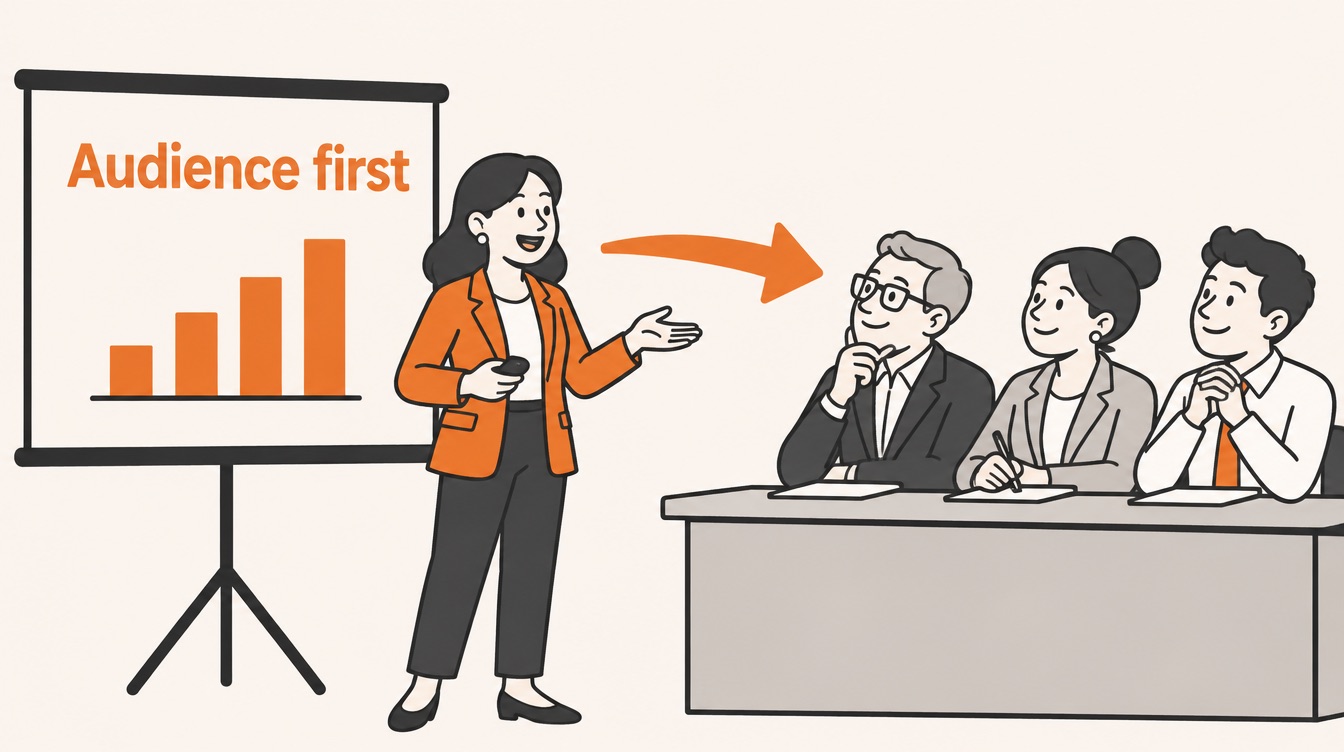
Presentations run through the whole bid
When people hear "presentation" in a bid context, they think of the oral proposal: the formal session where a shortlisted bidder presents to the evaluation panel. That is the highest-stakes case, but the Body of Knowledge treats presentations more broadly, as a way of communicating that shows up at every stage of winning business. A capture manager briefs leadership on a bid/no-bid decision. A proposal manager runs a kick-off. A solution lead walks a review team through the approach. A sales lead meets the customer before the RFP. Any member of the capture or proposal team may be asked to lead one or take part.
The same principles apply to all of them. A presentation is effective when it changes something in the audience: what they understand, what they believe, or what they decide. Everything else, including the slides, the room and the speaker's notes, is there to serve that change.
Why most decks look the same
The Study Guide makes an observation that anyone who has sat on an evaluation panel will recognize. Because most people build presentations the same way, most presentations look the same: a cover slide, an agenda, the agenda again with the first item highlighted, a few dense slides of text, the agenda with the second item highlighted, and so on until the end.
The root cause is that presenters focus on themselves. The slides become their prompts, a way to remember what to say, rather than aids for the audience. The Body of Knowledge asks for three shifts:
- Start from the outcome. Before you think about content, decide what should happen once the presentation is over, and let that decision shape everything else.
- Choose for the audience. Include what is most useful to them, not what is easiest for you to talk about.
- Content first, slides second. Work out what you will say, then move only the relevant parts into visual form. Don't start by opening the slide software.
| Presenter-centered | Audience-centered | |
|---|---|---|
| Starting point | Last bid's deck | What the panel should conclude when we leave |
| Order | Company history, then capabilities, then the solution | The customer's top concern first |
| Slides | Notes the speaker reads from | Pictures the audience looks at |
| Slide titles | "About us", "Methodology" | A benefit the customer cares about |
| Questions | Something to survive | A chance to show you listened |
| Ending | "Any questions?" | Key messages and next steps, after the questions |
The presenter still has a real job: to communicate with the audience and to stay in control of the session, including how and when the audience joins in.
Start with the audience
Everything you say reaches the audience through their own experience, knowledge and values. The same sentence about "rapid deployment" sounds like relief to an operations director and like risk to a security officer. That is why the Body of Knowledge puts understanding the audience before preparing any material.
Whether the presentation succeeds depends largely on two things: whether your message got through, and whether it met what the audience expected. You can't control their expectations, but you can find out what they are. Before an oral proposal, try to learn:
- Who will be in the room, and what each of them is responsible for.
- What they have been told about you, by their own colleagues, by earlier meetings or by your written proposal.
- What they want to hear. The customer's instructions for the session often say it directly: a scenario to walk through, topics to cover, a time limit.
- How familiar they are with you and with the subject, which sets the level of detail.
Much of this should already exist. The customer intelligence, hot buttons and win themes your team developed for the written proposal are exactly what an audience-centered presentation needs. An oral session is not a new story; it is the same story told to people face to face.
Structure: three points, most important first
Attention fades quickly, so the Body of Knowledge asks for presentations that are short, well organized and interesting, with a logical structure that helps people keep what they heard. It also points to a habit from rhetoric: three is easy to hold in mind. Three points, three reasons, three numbers are what an audience can grasp and repeat afterwards.
A simple customer-focused outline follows from that:
- Why this matters to you. Open with the subject's importance for this audience, and name the key elements you will cover.
- The key elements, in the audience's order. Put what matters most to them first, and expand each point with supporting material such as proof, an example or a picture.
- What we told you. Close by summarizing the key points and returning to the main subject.
For example, imagine a bidder presenting its plan to move a public agency's service desk to a new provider. A presenter-centered outline might run: our company, our methodology, our team, our tools, questions. An audience-centered one, built on what the agency said it fears most, might run:
Presenter's order
1. About our company
2. Our methodology
3. Our team and tools
4. Questions
Audience's order
1. Your service desk keeps running through the switch
2. Your staff learn one new process, not five
3. You can see progress every week
Summary: the three commitments, and the next steps
The company, the methodology and the team still appear, but as evidence inside each point rather than as chapters of their own.
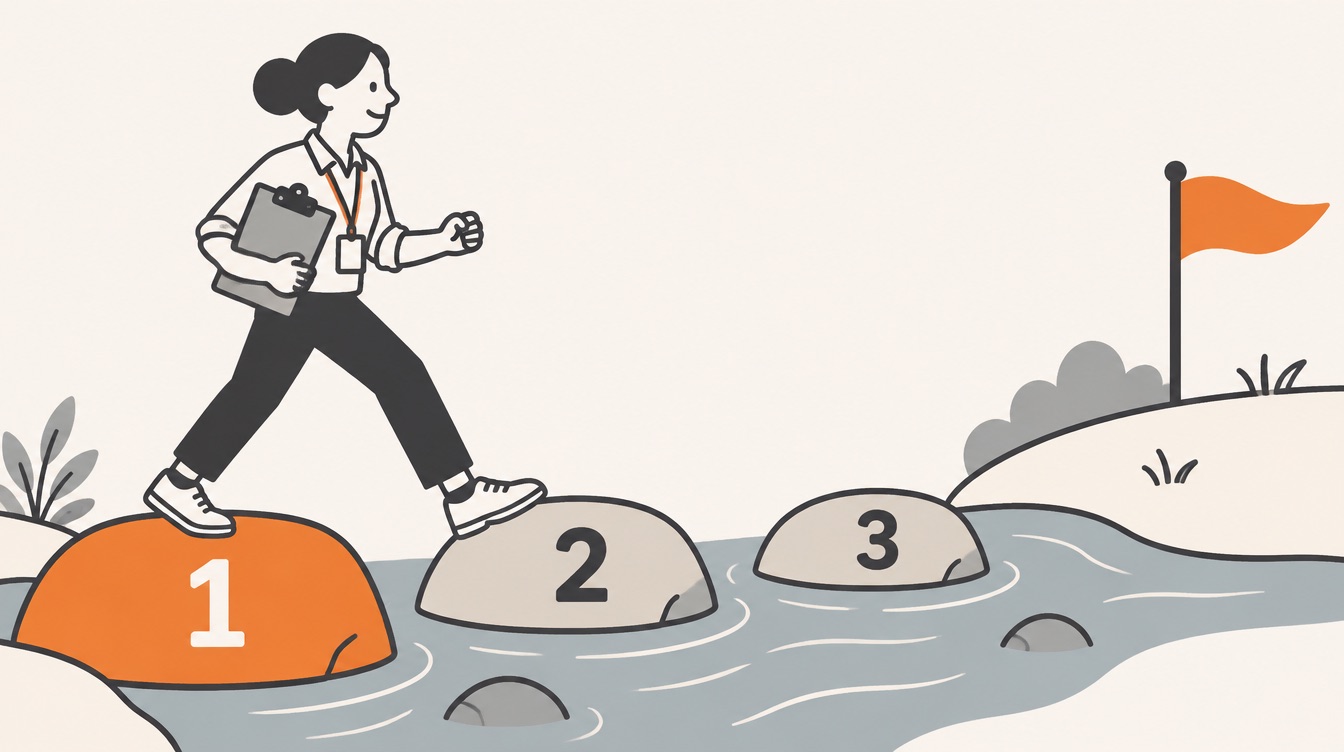
Slides are visual aids, not documents
The most practical part of this section of the Body of Knowledge is about slides. Its central idea is that slides should go along with the speaker, not repeat what the speaker says.
The pre-read test
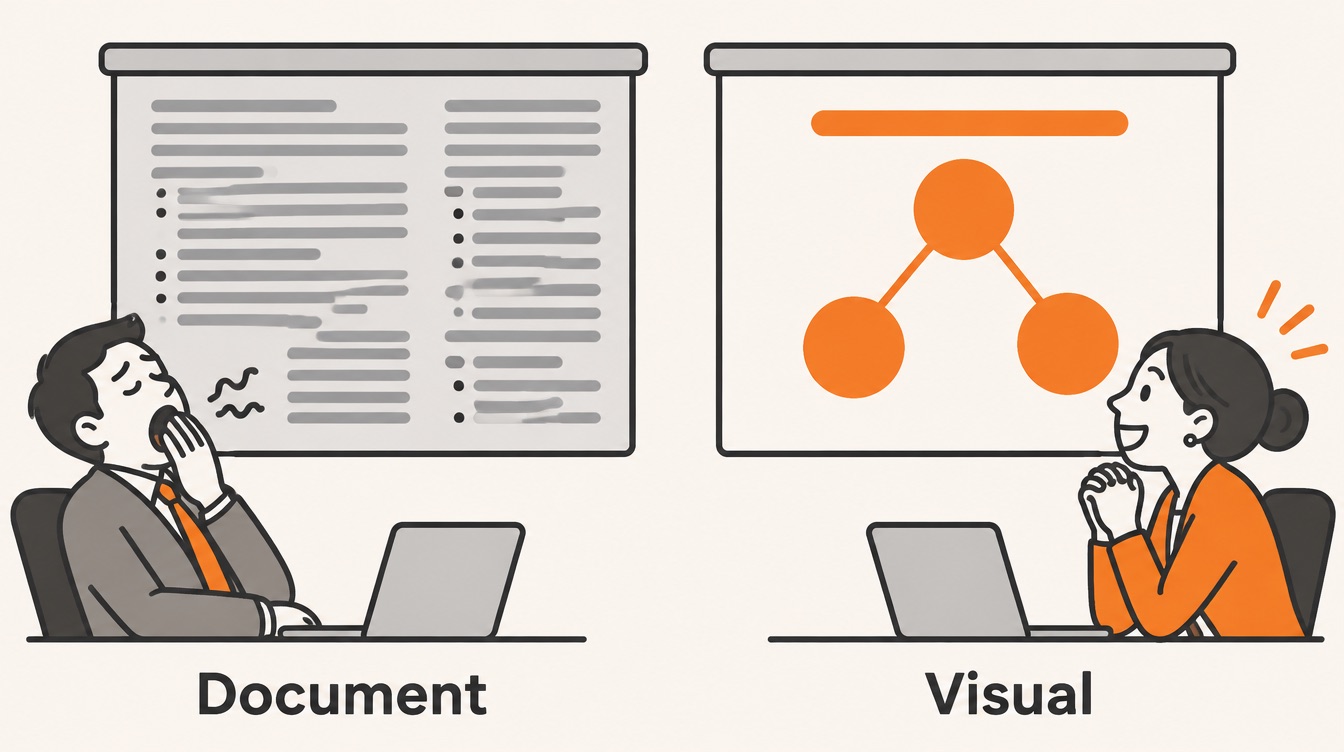
Imagine handing your slides to the audience the day before. If reading them alone would give away your whole talk, the slides hold too much. Keep simple keywords and visuals on the slide, and do the explaining yourself. People listen or read; they rarely do both well at once.
The Study Guide reports that well over 80% of people prefer to take in information visually. Slides are good at showing things: charts, graphs, process flows, diagrams and photos. They are poor at carrying full sentences and step-by-step reasoning, which a speaker does far better. Hence its advice: make either a visual, text-light presentation or a written, text-heavy document. A deck that tries to be both ends up being neither. If the customer needs the detail, give them a leave-behind document as well.
Slide as document
Transition methodology
• Our proven methodology ensures a smooth transition
• Sites are migrated sequentially following a risk-based prioritization
• Each migration includes a rollback plan
• Weekly status reports are provided to the client
Slide as visual aid
Your services stay up during the switch
[Three sites on a timeline, the first highlighted, each with a small "rollback" marker]
One site at a time · rollback ready · weekly view
The right-hand slide says less, so the speaker has something to add. That is the point.
Your slides stand for your quality
Audiences judge you by how your slides look. Claiming a disciplined, best-in-class approach in front of cluttered, hard-to-read slides undercuts the claim before you finish the sentence. The Body of Knowledge is frank about this: if the team lacks visual design skills, hand the slides to someone who has them.
Bullet points get special mention. They are the easiest thing to produce, which is why most decks are full of them, and an evaluator who has sat through several presentations in a row finds them tiring. The guide's advice is to avoid them on slides.
Titles that sell
You wouldn't give a proposal section a heading like "Our process", and the Study Guide asks for the same care with slide titles: interesting, clear and, where it fits, stating a benefit. A few examples written for this article:
| Generic slide title | Benefit-rich slide title |
|---|---|
| Our team | The people who will run your transition from day one |
| Methodology | How your services stay up during the switch |
| Track record | Fourteen agencies that moved without an outage |
| Q&A | Your questions, then our three commitments |
This is the same discipline as the theme statements in a written proposal: a heading should tell the evaluator why the content matters to them.
Reveal one point at a time
Show six points at once and the audience reads the other five while you talk about the first. The Body of Knowledge recommends building the slide point by point as you speak, and keeping the effect simple: the point should just appear, not fly in from the side.
Match the method to the occasion
Most presentations happen in person, but some are delivered over video conferencing. Either way, choosing how to present depends on the facilities you have, the occasion, the size of the audience and how well they know you and the subject, your own experience as a presenter, and how well you know the topic.
The Body of Knowledge lays out a range from very formal to very informal. Summarized in our own words:
| Very formal | Formal | Informal | Very informal | |
|---|---|---|---|---|
| Typical setting | Large conference | Smaller group you don't know | Smallish group, partly known, often internal | Small team you know |
| Aim | Inform many people | Inform and get a reaction | Inform, hear reactions, discuss | Inform or start a discussion |
| Position | Standing at a lectern | Standing at the front | Standing or sitting | Seated with the group |
| Visuals | Full slides, possibly video | Fairly simple slides | A few visual aids | Perhaps a one-page summary |
| Microphone | Yes | Yes | Probably not | No |
| Given in advance | Slide copies | Slide copies | A handout | Nothing |
| Questions | Formal session at the end | Formal, with some interruptions | Fairly interactive | Very interactive |
Most oral proposals sit in the "formal" column: a panel you don't know well, a fixed time, slide copies often requested beforehand, and questions that may come at the end or interrupt you along the way. Read the customer's instructions closely, and always find out how long you have and whether that time includes questions.
Review, notes and rehearsal
Have the content reviewed early
Presentations deserve a review just like the written proposal, early enough to act on the comments. The Body of Knowledge gives reviewers a short list to check:
- The language suits the audience.
- Words are plain and familiar rather than technical or obscure, which matters even more when the audience has different native languages.
- Any text on screen is short and crisp; long sentences make people read instead of listen.
- Metaphors help the audience understand and remember.
- There are moments that win back attention, and visuals that could illustrate key points better.
- Slides, graphics, titles, captions and handouts have no spelling errors.
Decide how you will use notes
Each presenter should decide how they will keep track of what to say: brief prompts if they are confident, fuller notes if they need them. What matters is that the notes, not the slides, carry the speaker's script.
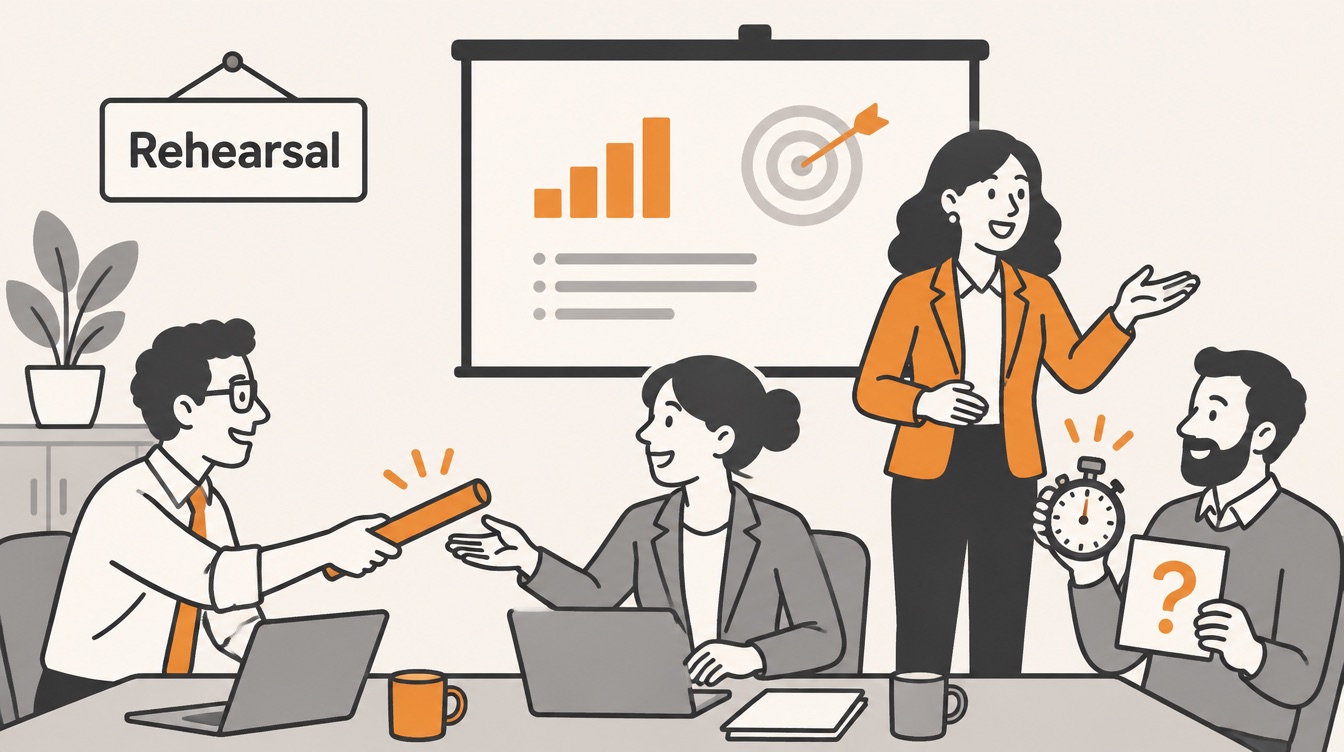
Rehearse as a team
An oral proposal is usually a team performance, and the Study Guide is clear that not everyone presents equally well. Know the team's strengths and prepare each person for their part. Every presenter should know:
- How they will be introduced.
- Which slides they own.
- The key message of those slides and how much detail to give.
- How they hand over to the next speaker.
- The rehearsed answers to the questions the customer is likely to ask, including the uncomfortable ones.
In the room: rapport and questions
Build rapport
Read the mood of the room and respect the conventions of the occasion. The basics, according to the Body of Knowledge, are simple: introduce yourself where it makes sense, look at the people you are talking to, speak loudly enough for the whole room, and keep jargon down and the pace comfortable.
Handle questions with a plan
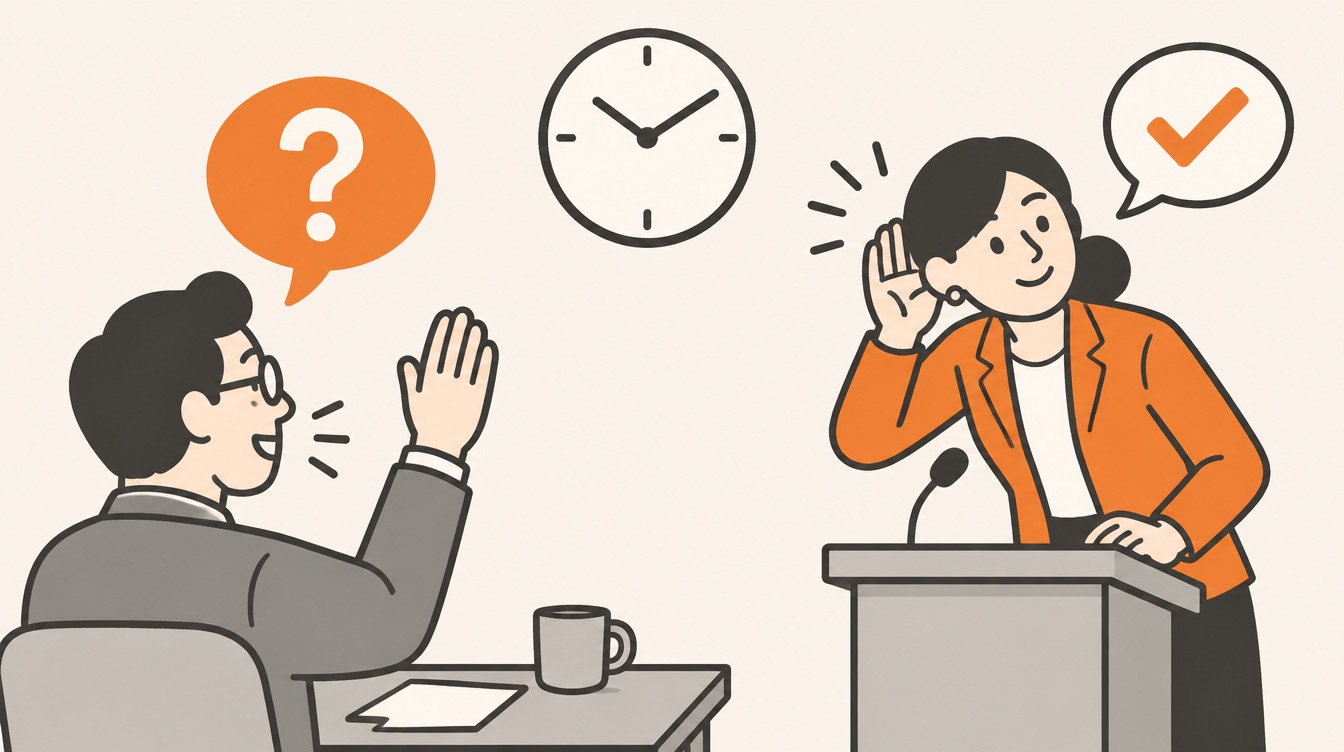
Many presenters dread questions because they fear losing control. The Study Guide offers a calmer view: people usually ask, even sharply, because they really want to know, not to catch you out. A little planning removes most of the risk:
- Set the rules at the start. Say whether you'll take questions as you go or at the end.
- Listen to the whole question. If the audience is large, repeat it so everyone hears it.
- Check you understood. If you're not sure, put it back in your own words and confirm.
- Answer briefly and directly, with honesty and the respect you would want yourself.
- If you don't know, say so. Offer to find out, and then actually follow up. Nobody expects you to know everything.
- Take the last word. When questions are over, thank the audience, summarize the key messages and confirm the next steps.
Three misconceptions to drop
- "Anyone on the team can present." Presenting comes easily to some people and not to others. Assign parts to strengths and prepare everyone, including for the question session.
- "We'll build it the night before." A presentation made in a rush defaults to what the team already has on file: company history, credentials and product features. What the customer most wants to hear gets squeezed out.
- "Finish with Q&A." Ending on the last question hands the final impression to whoever asked it. Close instead with your key selling messages and your understanding of what happens next.
Checklist for your next oral presentation
- Write one sentence describing what you want the audience to think or do after the session.
- Find out who will attend, what they have heard about you and what they expect, and read the customer's instructions closely.
- Confirm the time limit, and whether it includes questions.
- Pick three key messages from your win themes, most important to the customer first.
- Write the content before the slides, then move only visuals and keywords onto the slides.
- Run the pre-read test and give every slide a benefit-rich title. Cut bullet lists; build points one at a time.
- Prepare a leave-behind document if the customer needs the detail.
- Have it reviewed for language, clarity and spelling, in time to act on the comments.
- Rehearse as a team: introductions, slide ownership, handoffs, timing and answers to likely and difficult questions.
- Plan the ending: after questions, summarize the key messages and the next steps.
Where Contrl fits
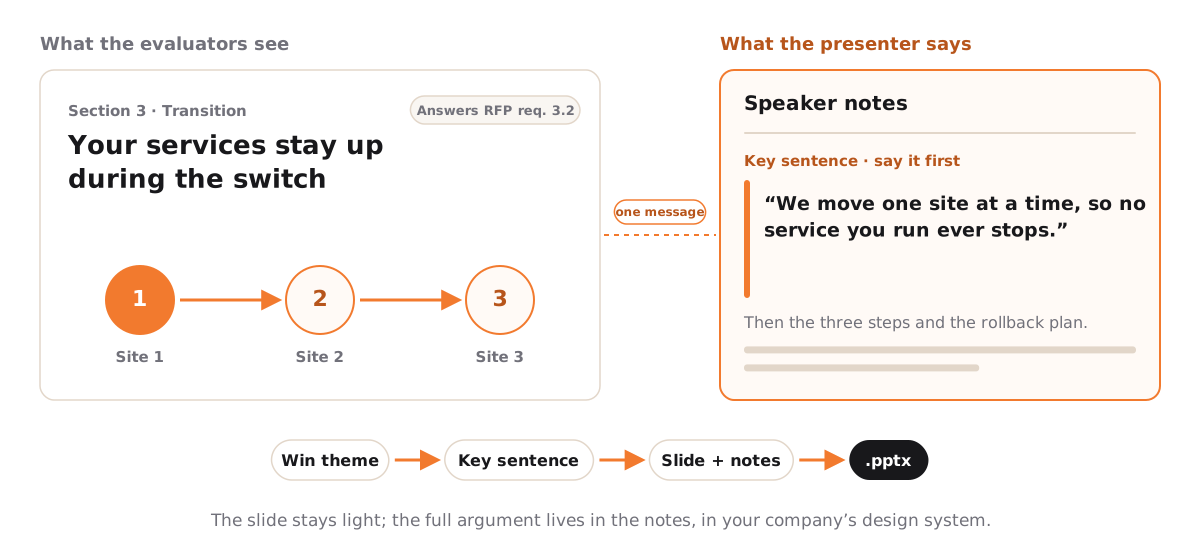
A presenter needs one message per section and slides that support it rather than spell it out. In Contrl, the win theme you pick and the key sentence you choose for each section give every presenter the one thing to say first. The slides are written in your company's design system with speaker notes, so the page can stay visual while the notes carry the argument, and each page cites the RFP requirements it answers. You export the .pptx, and the rehearsal stays where it belongs: with your team.
Next in the series
A good presentation and a good proposal share one thing: the audience can find what it is looking for. Episode 15 covers Proposal Organization: how to structure a proposal so evaluators can follow it, score it and find every answer where they expect it.
This article is an independent study companion based on the APMP Foundation Study Guide, version 4.2 (© 2025 APMP), which summarizes the APMP Body of Knowledge. It paraphrases and comments on that material and is not endorsed by APMP. The presenter- versus audience-centered table, the service desk outlines, the before-and-after slides, the slide-title examples and the summary of presentation formats were written for this article. For the authoritative text and certification information, see apmp.org.